
Pack your website
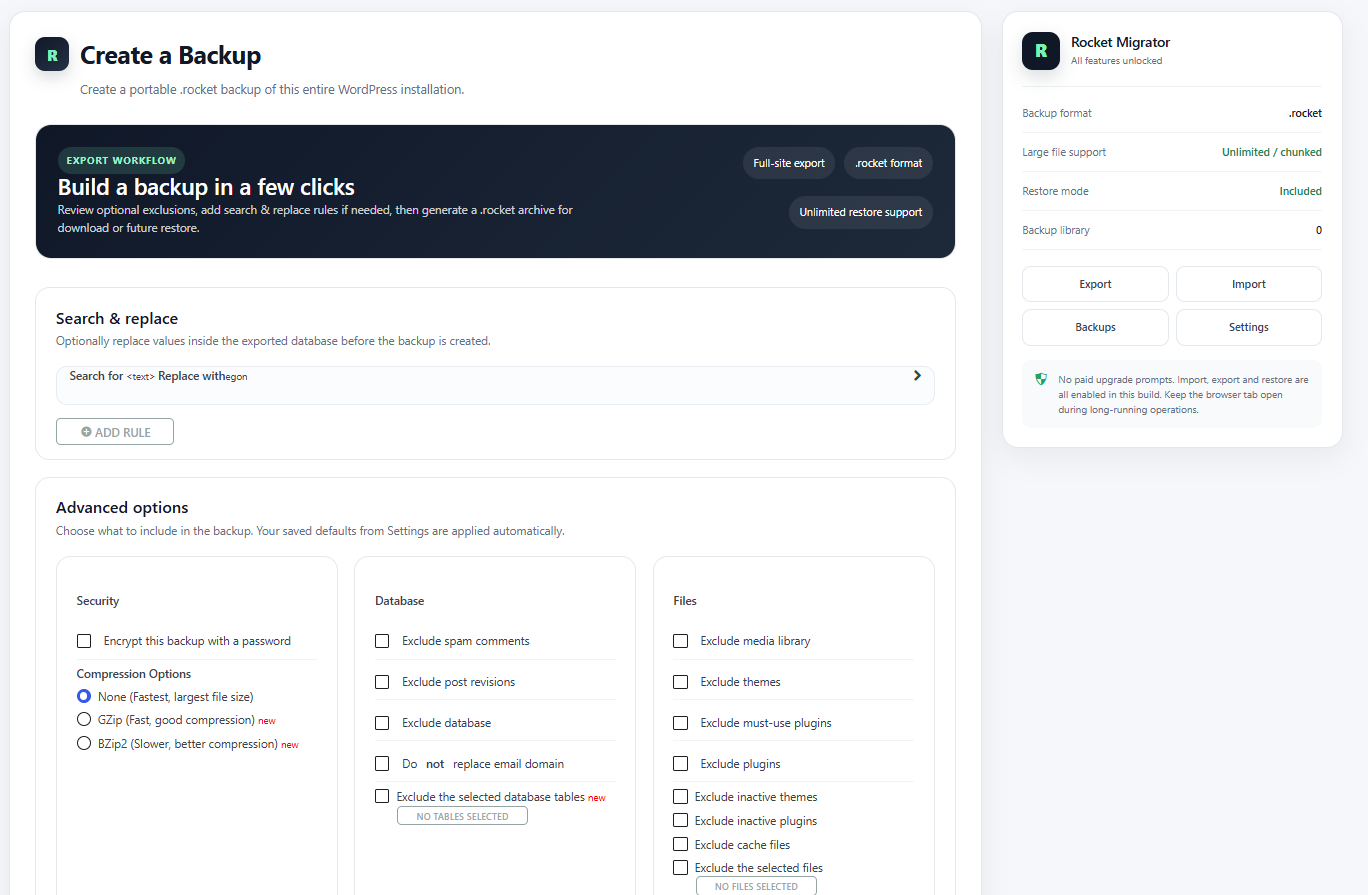
Create a .rocket archive with files and database. Choose what to include and download your backup.
The free WordPress migration plugin: export, transfer and restore your site with one kit. Built for large sites too, with no file size cap imposed by the plugin.
Create a .rocket archive with files and database. Choose what to include and download your backup.
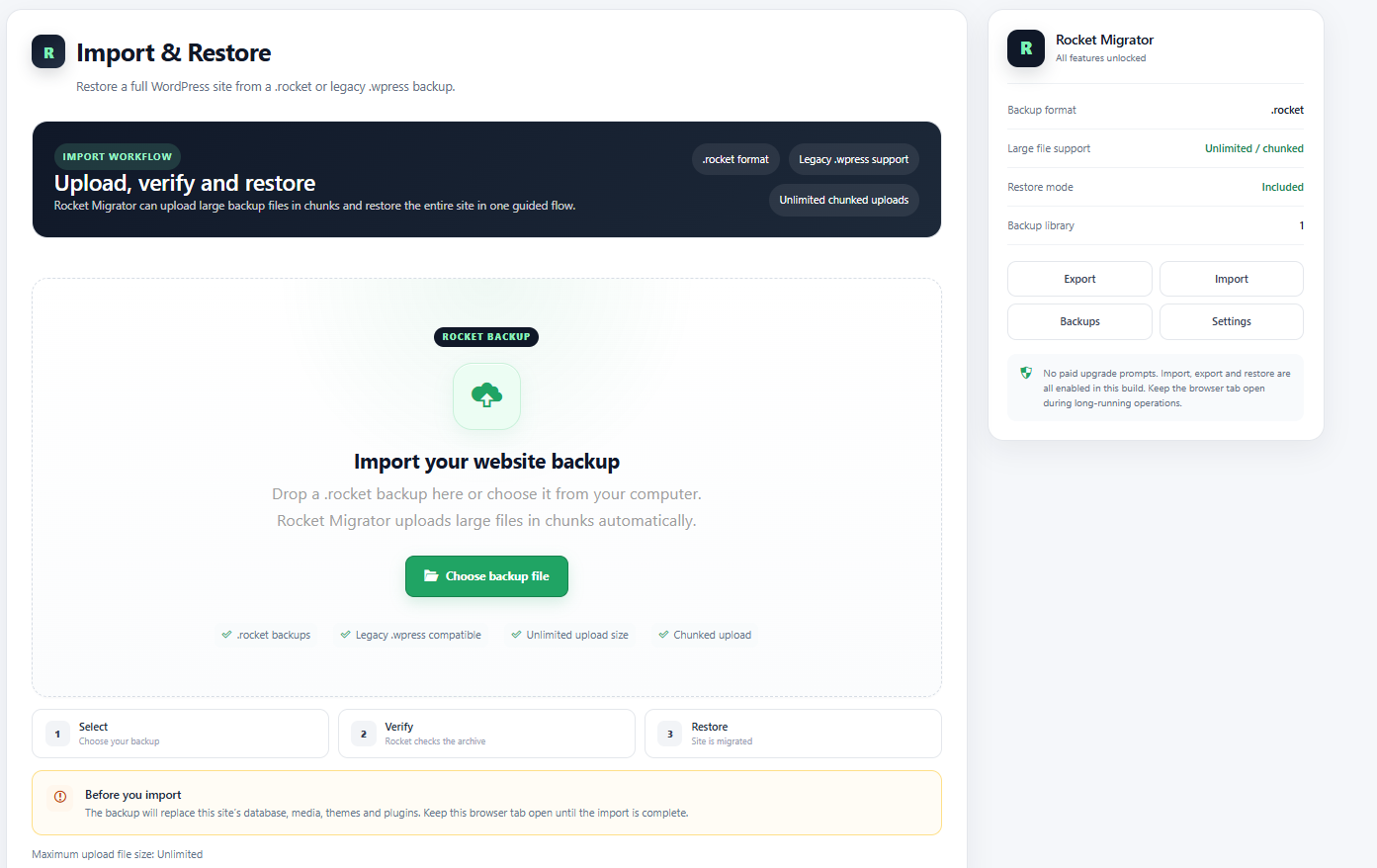
Install Rocket Migrator on the destination WordPress and upload your backup. Large files are transferred in chunks.
Follow the archive verification and guided restore. Then check your website at its new destination.
Export, import and restore are included. No paid upgrade to unlock the transfer of a larger archive.
Files, database, themes, plugins and media in a portable .rocket archive.
Uploads split into parts, without a file size cap imposed by the plugin.
Exclude cache, revisions, media or items you do not need.
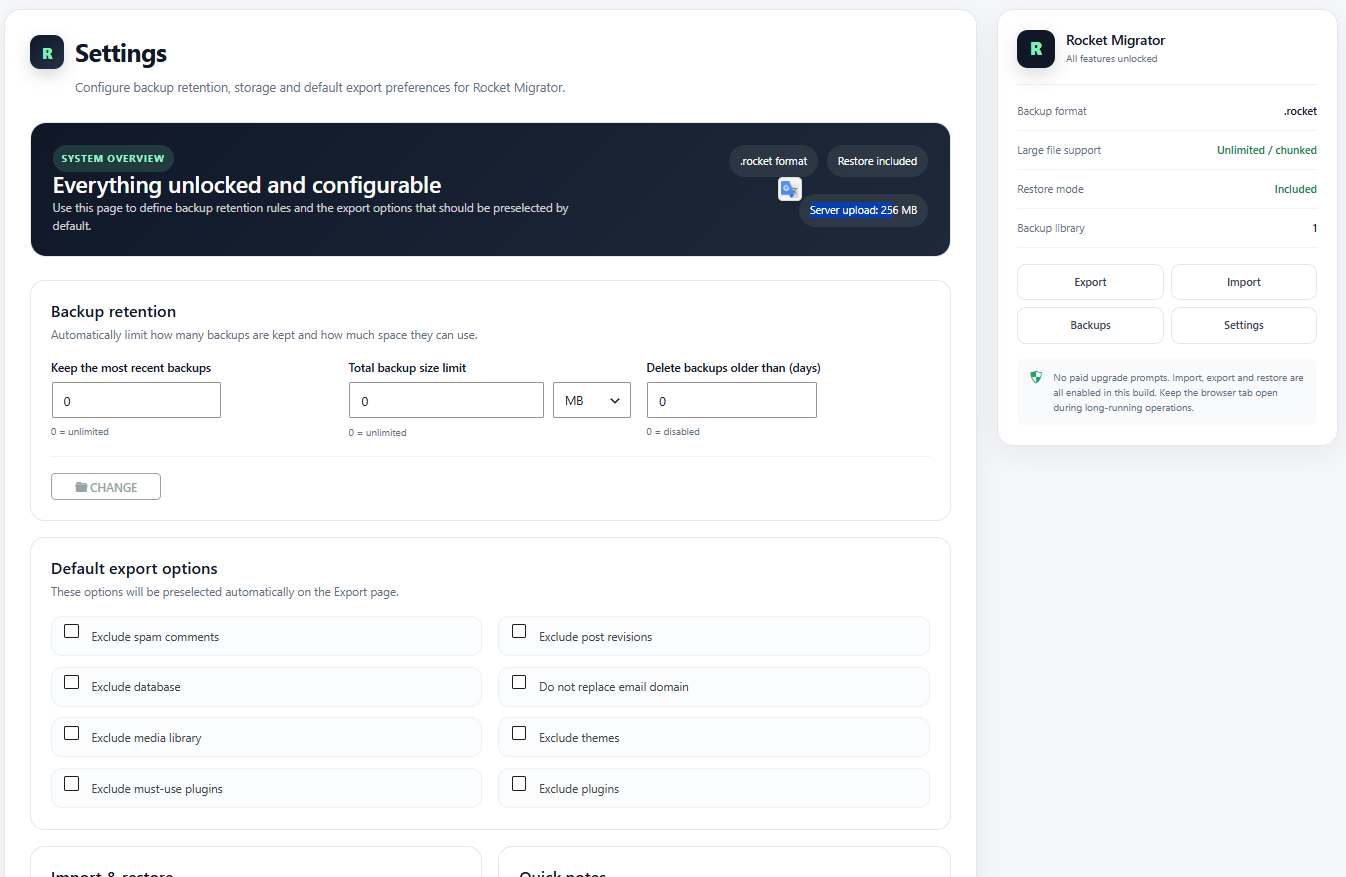
Password protection, compression and configurable retention rules.
Prepare rules to replace values in the exported database.
Import .rocket archives and compatible legacy .wpress backups.
Yes. Export, import and restore are included, including for large archives.
No: the plugin does not impose a backup size cap. Disk space and resources depend on the hosting where you export and restore your site.
Restore replaces the destination site’s data with the backup. Keep a copy of the site before proceeding and leave the tab open until completion.