
Content and media
Prepare pages and posts, update copy and manage your media library.
Connect WordPress to Claude, ChatGPT and MCP-compatible assistants. Manage content, SEO and advanced operations from a conversation, with permissions you choose.
WordPress plugin + desktop app. Setup depends on your chosen assistant.Create a new page for my service.
Xaflo connects your assistant’s requests to your website’s functions. You decide what it can read and change.
Prepare pages and posts, update copy and manage your media library.
Read and update SEO metadata and access available website data.
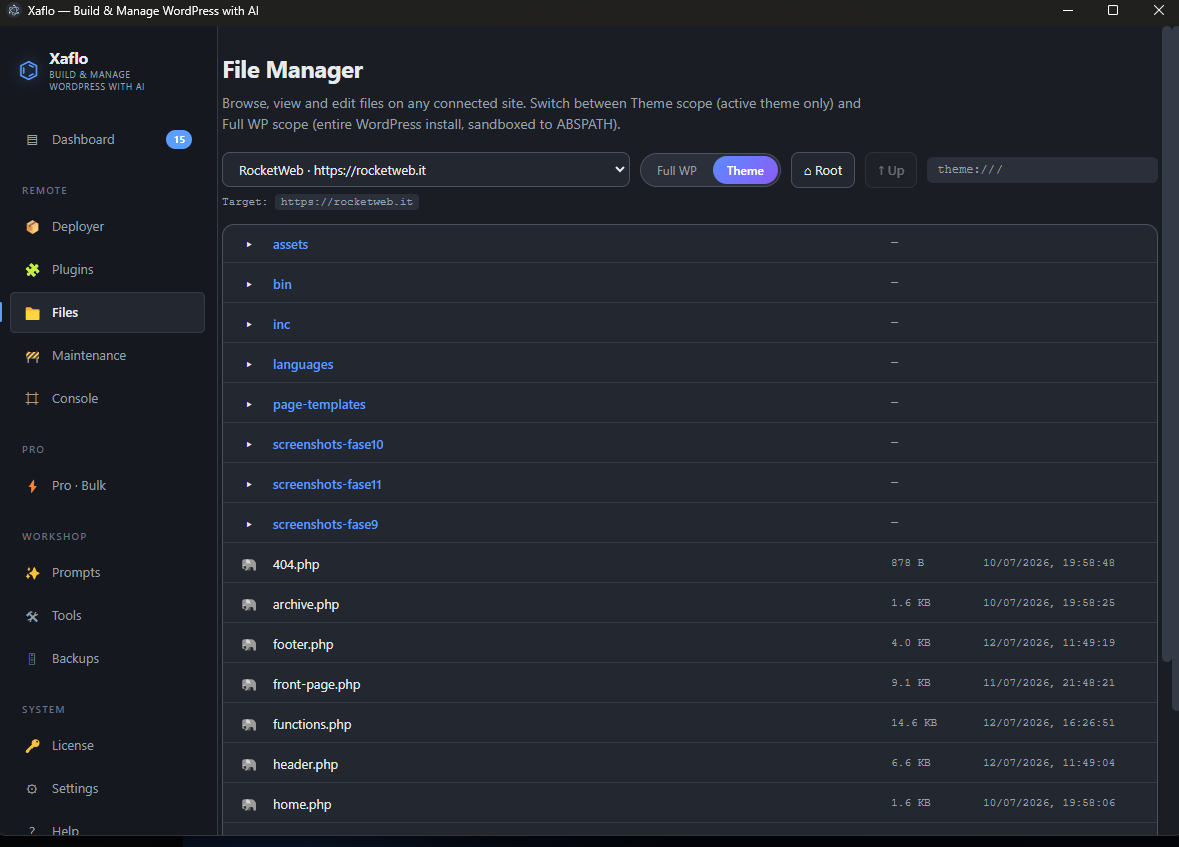
Work with files, themes, plugins, databases and backups by enabling the required permissions.
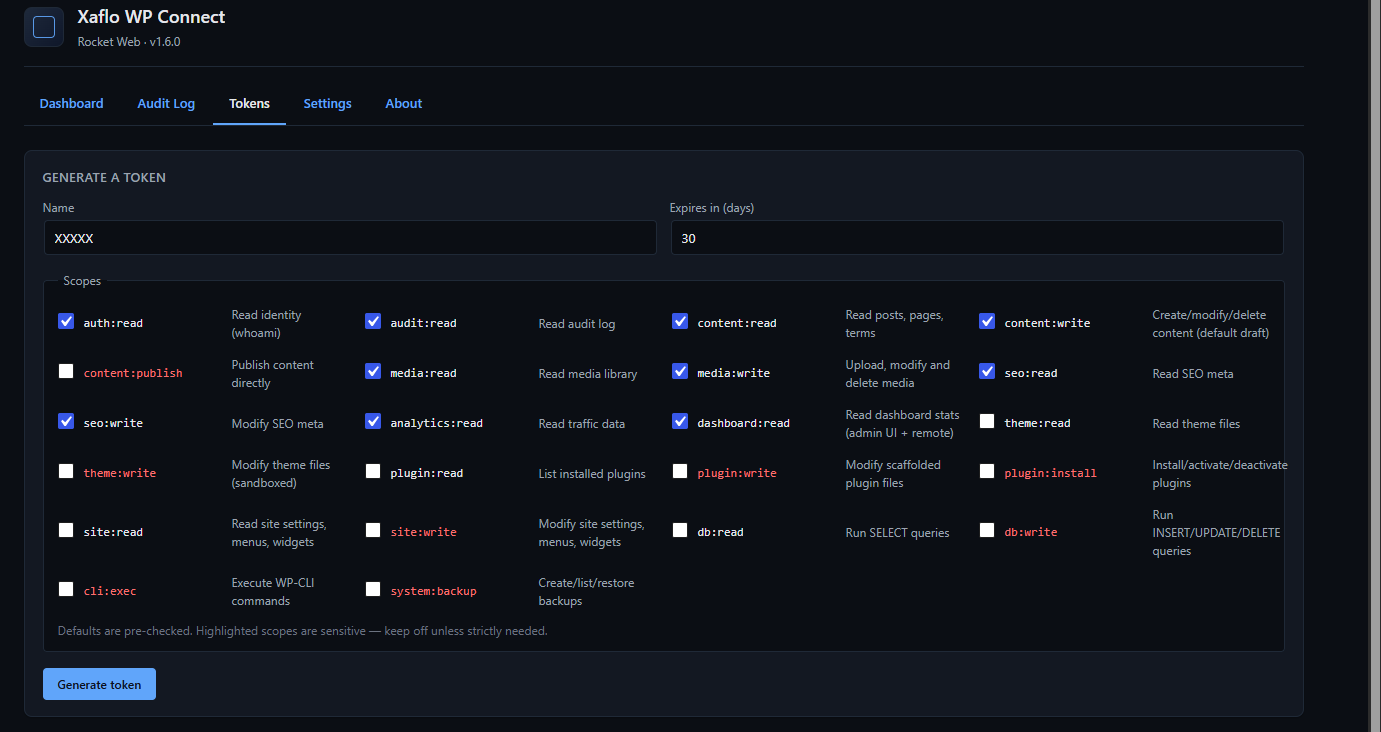
Create expiring keys with specific permissions. Review operations in the activity log.
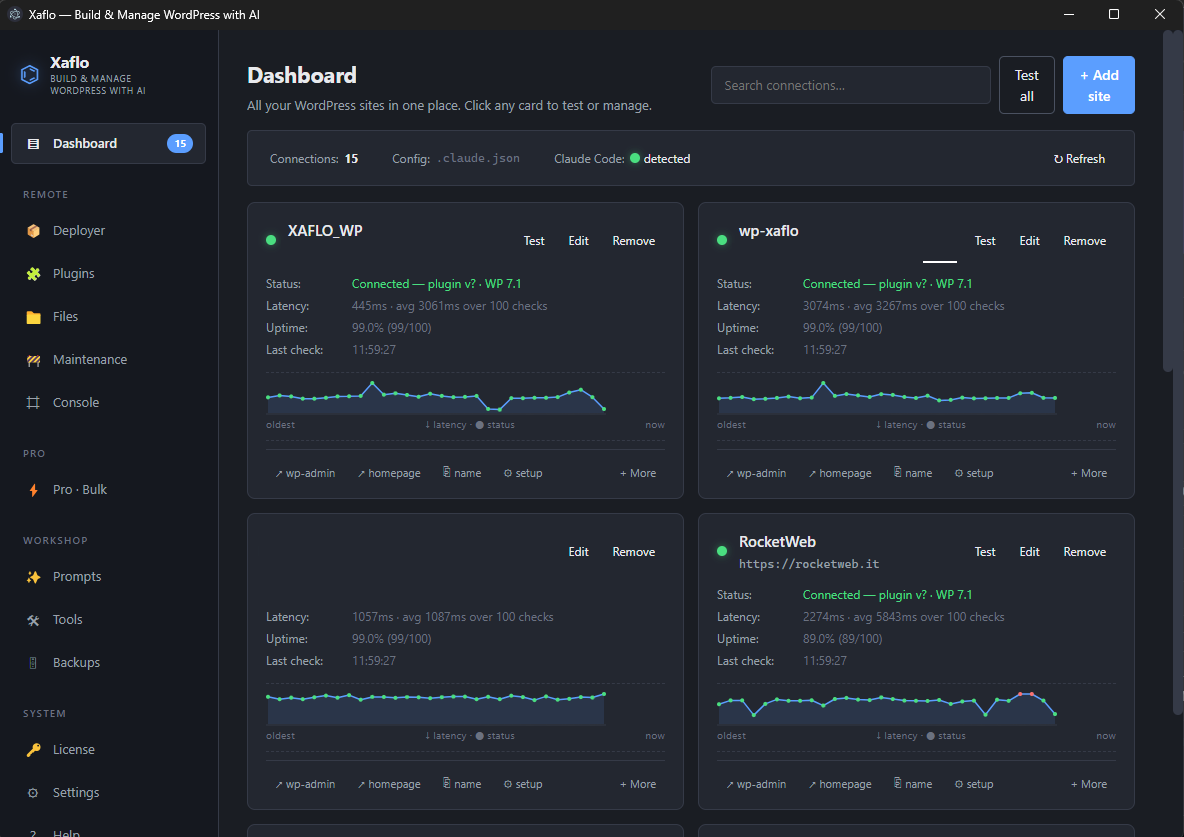
Add your site and access key, check the connection and find your management tools in one app.
From read-only access to technical operations, every key has its own permissions. Publishing content requires a separate permission from editing.
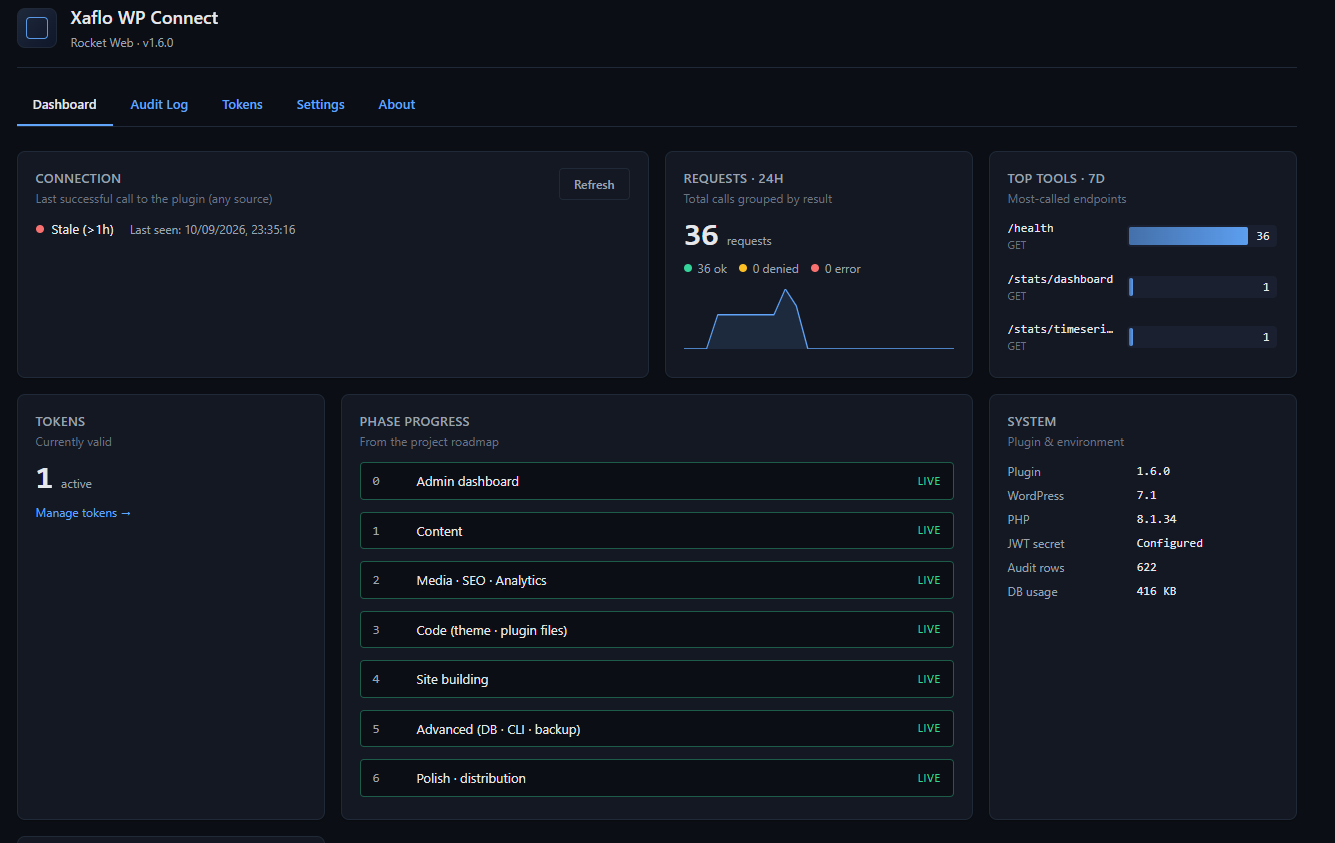
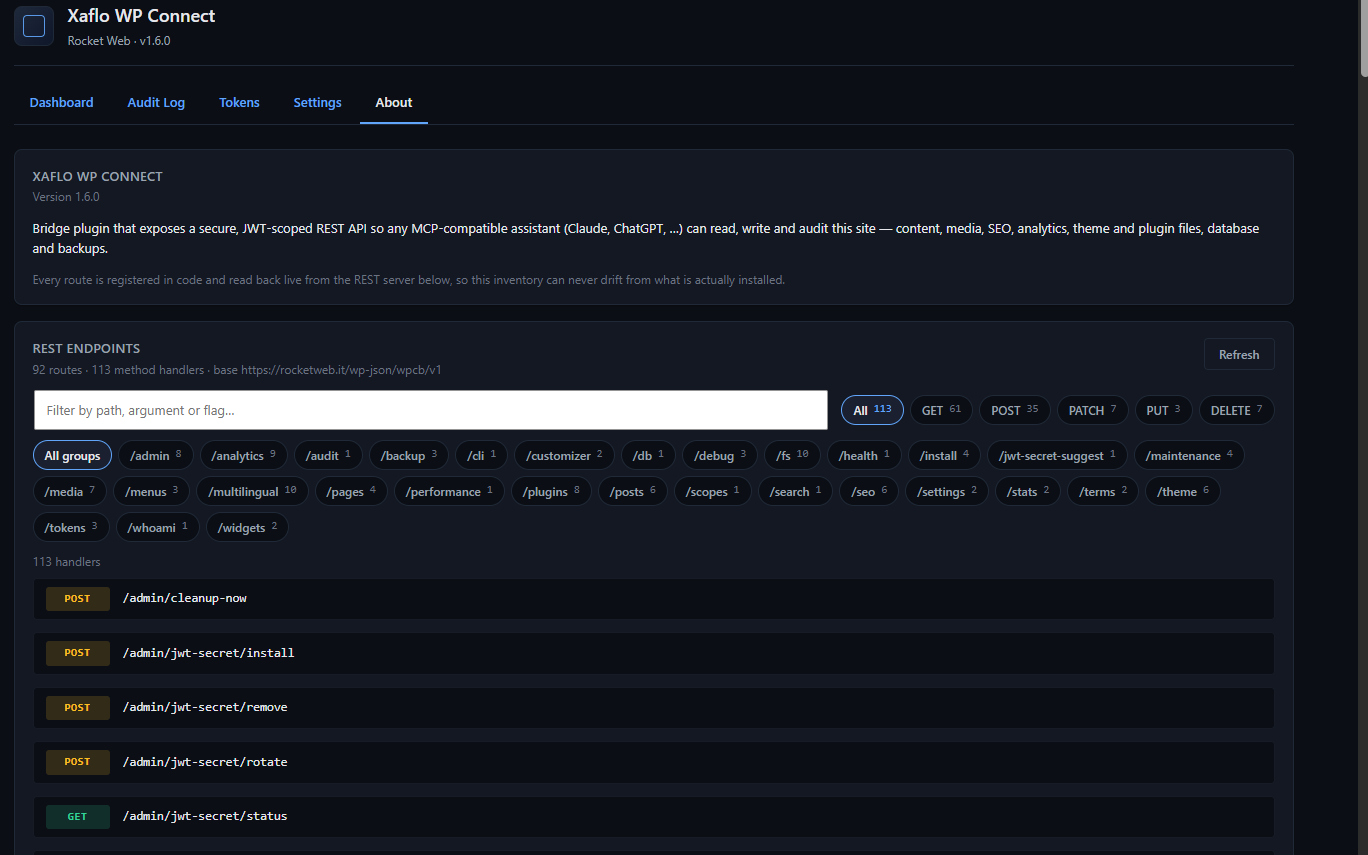
Add Xaflo WP Connect to WordPress.
Generate a key with your chosen permissions and add it to the desktop app with your site address.
Configure the MCP connection for your chosen assistant and start with a simple request.